Barcode Scanner Inventory Tool
Lightweight PWA that captures barcodes and outputs inventory spreadsheets
Introduction
A lightweight tool for creating inventory spreadsheets when no scanning hardware or database access is available. Runs on any device with a camera-capable browser, requires no setup, and outputs a CSV ready for Excel.
Background
A colleague, a nurse, was responsible for routine inventory reports. Every item in the department — from equipment to furniture — had a barcode. She was tasked with submitting spreadsheets listing items, quantities, and room locations.
But she was given no tools. Her workflow was entirely manual: run through the department with pen and paper, write down barcodes and counts, then sit at a workstation and retype everything into Excel. It was slow, error-prone, and frustrating.
I built this app to make her job easier. With just her phone, she could scan items directly, enter the required details, and export the spreadsheet in the format management expected. No logins, no backend, no hosting — just a simple CSV she could edit into whatever format was needed.
Problem
The inventory process needed a tool that would:
- Automate manual recording of barcodes, labels, counts, and rooms.
- Work independently of me so colleagues could use it without technical support.
- Avoid paid hosting or database services, running entirely client-side.
- Fit existing workflows, producing a spreadsheet deliverable management already expected.
Solution
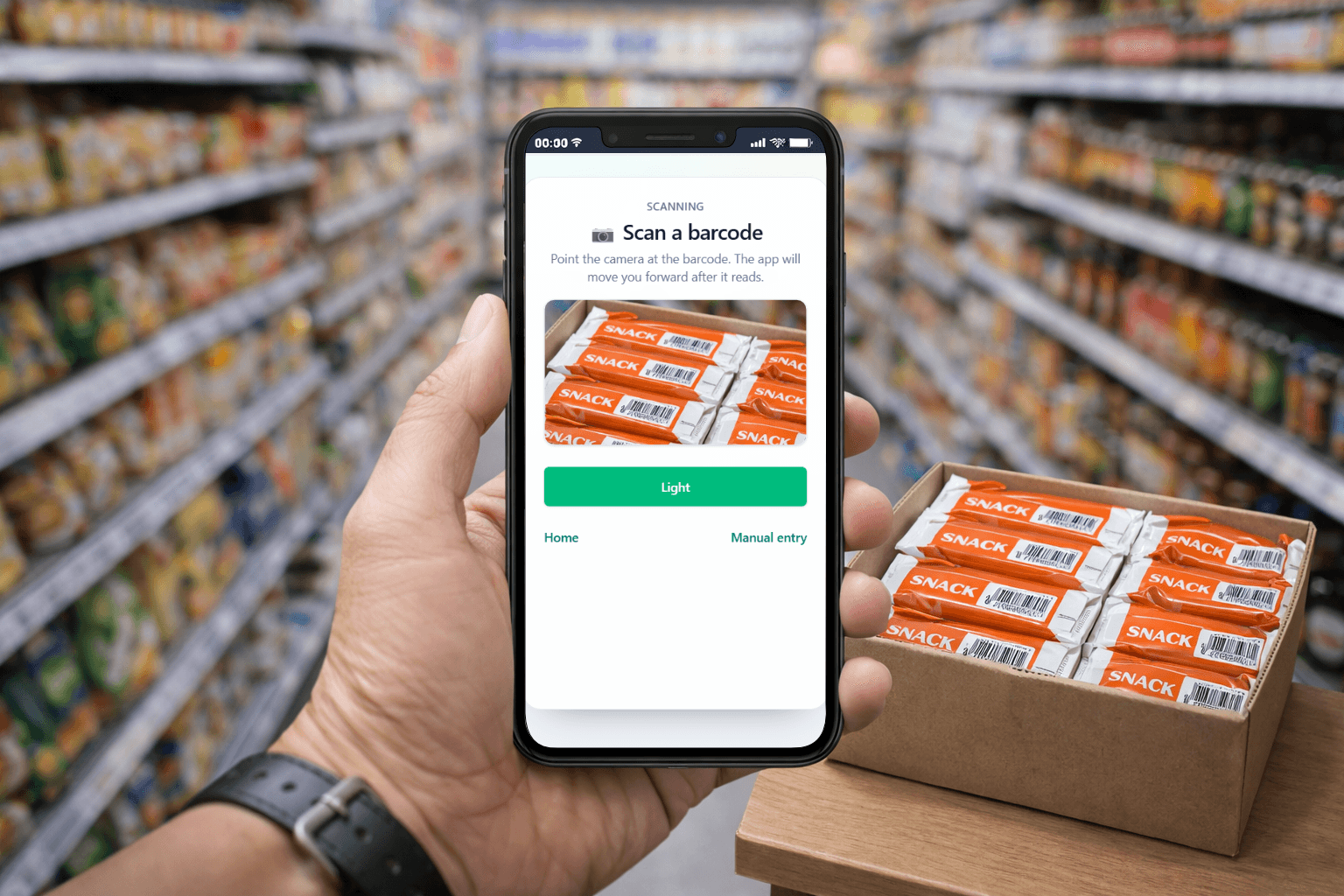
A browser-based PWA that runs on any camera-equipped device. The workflow is simple:
- Scan a barcode or QR code.
- Fill a short form (label, count, room).
- Save the entry and continue scanning.
At the end, the app exports a CSV where each field becomes a column — ready to email or open in Excel. This matched the existing pipeline without requiring new infrastructure.
How it Works
- Scan page: device camera reads barcodes/QR codes.
- Form page: barcode pre-filled from the scan, editable if needed.
- Save → back to scan: saving creates an entry with an ID and returns immediately to scanning.
- Inventory list: simple interface to view, edit, or delete entries.
- Export: one-click CSV export for Excel integration.
Includes a flashlight toggle for devices where torch control is unreliable.
Architecture
- Client-only app: no backend required.
- Local storage: JSON entries saved in
localStorage. - CSV generation: handled locally, user controls download/email handoff.
This design fit the environment: restricted installs, mixed devices, and a workflow that already ended in spreadsheets.
Key Engineering Choices
- User empathy: designed for a nurse with no technical background, so zero setup and no accounts.
- Optimized loop: scan → form → save → scan for speed during inventory runs.
- Error correction: editable barcode field and CRUD editing prevent restarts.
- Pragmatic integration: CSV export feeds directly into Excel workflows.
- Accessibility: high-contrast UI for older staff and those with reduced visual comfort.
Results
- Eliminated double data entry.
- Reduced transcription errors by capturing structured data at the point of scan.
- Delivered the exact format management expected with minimal friction.
- Made inventory checks faster and less frustrating for staff.